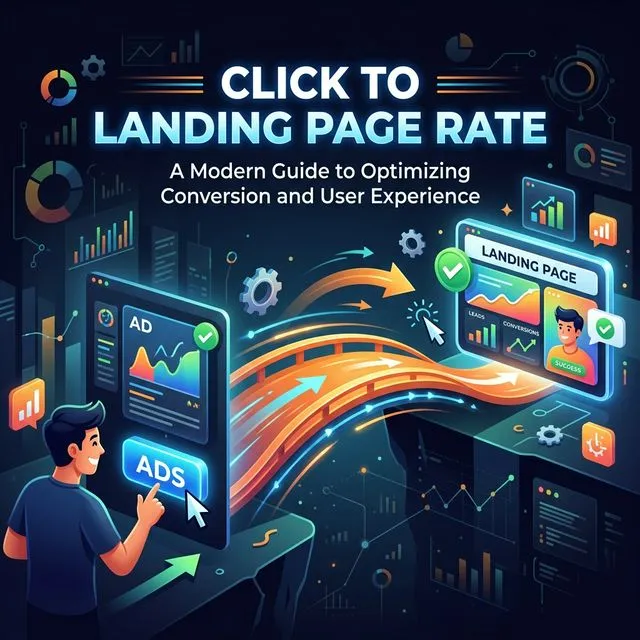
Click-to-Landing Page Rate measures the percentage of ad clicks that result in an actual landing page view. Calculate it as Landing Page Views divided by Link Clicks. A healthy rate is 80% or above. Below 60% signals a serious technical problem -- slow load times, redirect chains, or mobile rendering issues -- that wastes ad spend before the landing page gets a chance to convert. This is the first metric to check in any ad performance diagnosis.
You're paying for every click. You know that. Every time someone taps your ad, money leaves your account. That part is clear.
But here's something most business owners never think to ask: did those people actually SEE your landing page?
Because there's a gap between clicking an ad and loading a page. And for some accounts, that gap is enormous. I've audited accounts where 40-60% of paid clicks never resulted in a landing page view. The business owner had no idea. They were paying full price for clicks that vanished into thin air.
The metric that catches this is called Click to Landing Page Rate. It's the percentage of your link clicks that actually result in a landing page view. At Talk To Your CMO, it's the first thing we check in any ad performance diagnosis because if this number is broken, nothing else matters.
Why Clicks Don't Always Equal Page Views
This feels like it should be 1:1. Someone clicks, they see the page. Simple.
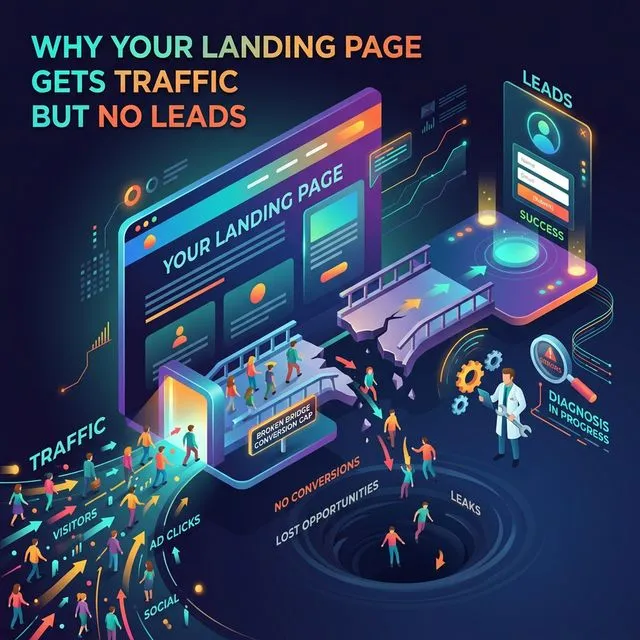
But it almost never works that way. Here's what actually happens between the click and the page:
The person's phone connection is slow, so the page starts loading but they back out after 3 seconds
Your landing page is heavy (large images, too much JavaScript) and takes 6+ seconds on mobile
The tracking pixel fires late, so Meta counts the click but the page view never registers
The person clicked accidentally (fat thumb on mobile) and hit back immediately
A redirect chain between the ad URL and the actual landing page drops people
Every one of these is invisible in your standard ad report. You see the click. You see the cost. You never see that the person bounced before your page even loaded.
How to Calculate It
Click→LP Rate = Landing Page Views / Link Clicks
That's it. Two numbers you already have in your ad dashboard.
In Meta Ads Manager, you'll need both "Link Clicks" and "Landing Page Views" columns visible. If you don't see Landing Page Views, customize your columns and add it. It's under "Performance."
Here's what the numbers mean:
| Click→LP Rate | What It Typically Means |
|---|---|
| Above 80% | Healthy. Your page loads fine and most clicks are genuine. |
| 50% to 80% | Some drop-off. Worth investigating, especially on mobile. |
| Below 50% | Something is broken. This is costing you real money. |
| Below 30% | Critical. You're paying for clicks that never have a chance to convert. Fix this before touching anything else. |
The Money You're Losing (And Don't Know About)
Let me put real numbers on this so it lands.
Say you're spending $5,000/month on ads. You're getting 2,000 link clicks. Your CPL is $50 and you're getting 100 leads.
Sounds like a conversion rate problem. Right? Most people would start testing new landing page copy, new headlines, new offers.
But what if your Click→LP Rate is 55%? That means only 1,100 of those 2,000 clicks actually saw your page. Your TRUE conversion rate is 100 leads from 1,100 page views... that's 9.1%, which is actually decent.
You don't have a conversion problem. You have a delivery problem. 900 clicks worth roughly $2,250 every month are going absolutely nowhere. Fix the page speed and you could nearly double your leads without spending an extra dollar on ads.
That's the kind of insight you miss when you only look at CTR and surface-level metrics.
What Causes a Low Click→LP Rate
In order of how often I see these:
1. Slow page load speed (the most common culprit)
In our audits at Talk To Your CMO, slow load speed accounts for more than half of all low Click-to-LP Rate cases. Google's data shows that 53% of mobile users abandon a page that takes longer than 3 seconds to load. If your landing page takes 5-8 seconds on a phone... you're losing more than half your paid traffic before they see a single word.
Check your page speed at Google's PageSpeed Insights. Look at the mobile score specifically. If it's below 50, that's likely your problem.
2. Heavy images and unoptimized assets
A single uncompressed hero image can add 3-4 seconds to load time. I've seen landing pages with 8MB of images on them. On a mobile connection, that's brutal.
3. Redirect chains
If your ad URL goes through 2-3 redirects before landing on the final page, each hop adds latency and drops people. Check that your ad links go directly to the final URL.
4. Tracking pixel issues
Sometimes the gap between clicks and page views is a measurement problem. If your Meta Pixel fires late or is installed incorrectly, landing page views get undercounted. This is worth verifying before you panic about page speed.
5. Accidental clicks (especially on mobile)
Some ad formats and placements generate more accidental taps than others. Audience Network placements are notorious for this. If your Click→LP rate is terrible on specific placements, that's usually the reason.
How to Fix It
The good news is that technical problems have technical solutions. And they're usually faster to fix than creative or messaging issues.
If page speed is the issue:
- Compress all images (aim for under 200KB each)
- Remove unnecessary scripts and tracking codes
- Use a CDN if you aren't already
- Test on a real phone, not just desktop
If tracking is the issue:
- Verify your Meta Pixel is firing on the landing page (use Meta Pixel Helper Chrome extension)
- Check for duplicate pixels or conflicting tracking setups
- Make sure Conversions API (CAPI) is configured as a backup
If placements are the issue:
- Check Click→LP Rate by placement breakdown in Ads Manager
- If Audience Network or specific placements show rates below 30%, exclude them
- Reallocate that budget to placements with healthy delivery rates
Where This Fits in the Full Diagnostic
Click→LP Rate is always Step 1 in the diagnostic decision tree. Before you check CTR Ratio (intent quality), before you check LP→Lead Rate (message match)... you check this.
Because if people can't see your page, it doesn't matter how good your ad is. It doesn't matter how strong your offer is. It doesn't matter how persuasive your copy is. None of it gets a chance to work.
I've talked to business owners who were about to fire their agency, rewrite their entire funnel, or kill a campaign that was "underperforming." Then we checked Click→LP Rate and found the landing page took 7 seconds to load on mobile.
One technical fix. Performance doubled. No new creative, no new audience, no extra spend.
So before you change anything else... check this number first.
Frequently Asked Questions
What is a good Click to Landing Page Rate?
Above 80% is healthy and means most paid clicks are reaching your page. Between 50% and 80% is worth investigating, especially on mobile placements. Below 50% means something is broken and you are losing significant ad spend before anyone sees your offer. Below 30% is critical and should be fixed before touching any other part of the funnel.
How do I calculate Click to Landing Page Rate?
Divide Landing Page Views by Link Clicks. Both numbers are available in Meta Ads Manager -- you may need to customize your columns to add Landing Page Views if it is not showing. The formula is Click-to-LP Rate = Landing Page Views / Link Clicks.
Why are my link clicks higher than my landing page views?
The most common cause is slow page load speed. Google's data shows 53% of mobile users abandon pages that take longer than 3 seconds to load. Other causes include redirect chains between the ad URL and the final page, tracking pixel issues that undercount page views, and accidental clicks on mobile placements like Audience Network.
How much money am I losing from a low Click to Landing Page Rate?
Multiply the gap between your link clicks and landing page views by your average cost per click. If you get 2,000 link clicks at $2.50 each and only 1,100 result in page views, that is 900 lost clicks costing you roughly $2,250 per month. Fixing page speed alone can recover most of that spend without increasing your ad budget.
What should I fix first if my Click to Landing Page Rate is low?
Start with page load speed -- it is the most common culprit. Run your landing page through Google PageSpeed Insights and check the mobile score specifically. If it is below 50, compress images to under 200KB each, remove unnecessary scripts, and add a CDN. If speed is fine, check for redirect chains in your ad URLs and verify your Meta Pixel is firing correctly using the Pixel Helper extension.
Not sure if your ads have a technical leak? Book a free strategy call and we'll check your Click-to-LP Rate together. Takes five minutes to find out if you're paying for clicks that never land.